> ## Documentation Index
> Fetch the complete documentation index at: https://docs.repacket.com/llms.txt
> Use this file to discover all available pages before exploring further.
# Devices
> Monitor devices connected to your organization's network
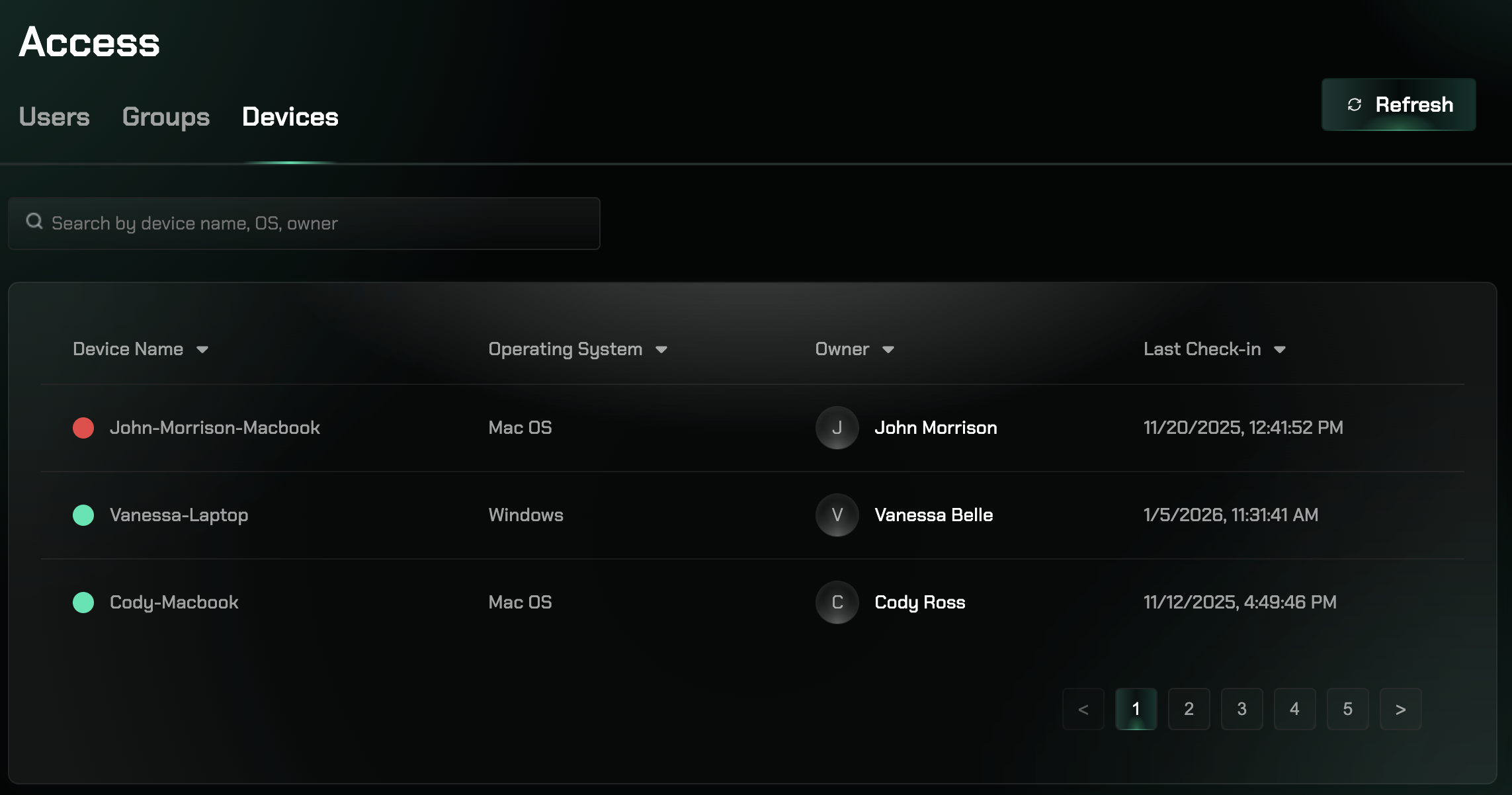
The Devices section provides visibility into all devices enrolled in your Repacket deployment, including device status, activity, and compliance information.
## Overview
Monitor devices connected to your organization's network. The Devices section provides comprehensive visibility into all devices enrolled in your Repacket deployment.
 ## Key Features
View all devices enrolled in your Repacket deployment
Monitor device status and connectivity
Track device activity and usage patterns
View device compliance and security status
## Device Monitoring
The Devices section provides visibility into:
* All devices enrolled in your Repacket deployment
* Device status, activity, and compliance information
Access the Devices section at [app.repacket.com/access#devices](https://app.repacket.com/access#devices).
## Related Features
Manage users associated with devices
Organize users and devices by groups
## Key Features
View all devices enrolled in your Repacket deployment
Monitor device status and connectivity
Track device activity and usage patterns
View device compliance and security status
## Device Monitoring
The Devices section provides visibility into:
* All devices enrolled in your Repacket deployment
* Device status, activity, and compliance information
Access the Devices section at [app.repacket.com/access#devices](https://app.repacket.com/access#devices).
## Related Features
Manage users associated with devices
Organize users and devices by groups