> ## Documentation Index
> Fetch the complete documentation index at: https://docs.repacket.com/llms.txt
> Use this file to discover all available pages before exploring further.

# Windows Install

> Install Repacket on your Windows computer.

<Note>Repacket can be installed and uninstalled silently by using the <b>/VERYSILENT</b> flag.</Note>
<Warning>You need local administrator privileges to install Repacket. Our [MDM deployment guides](/setup/mdm/guides) may offer a workaround.</Warning>

<Steps>
  <Step title="Download the Windows Agent">
    <CardGroup cols={2}>
      <Card title="Repacket Agent (Windows)" icon="windows" href="https://repacket-installers.s3.us-east-1.amazonaws.com/Repacket.exe" />
    </CardGroup>
  </Step>

  <Step title="Login to Repacket">
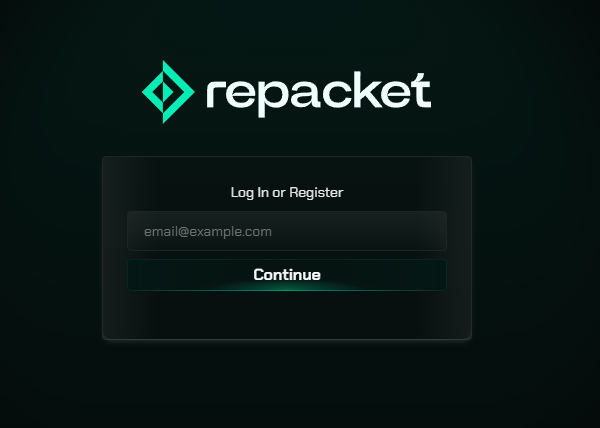
    When you browse to any web page, you will be asked to login to Repacket or your SSO provider.
    <Frame>
      <img src="https://mintcdn.com/repacket/07SOttYFslgCGKhI/images/repacket-login.png?fit=max&auto=format&n=07SOttYFslgCGKhI&q=85&s=a7fbe2c779b5958f69eb257d6675f2f0" alt="" width="600" height="428" data-path="images/repacket-login.png" />
    </Frame>

    ![](https://dashboard.mintlify.com/repacket/repacket/editor/images/login-page.png)
  </Step>
</Steps>
