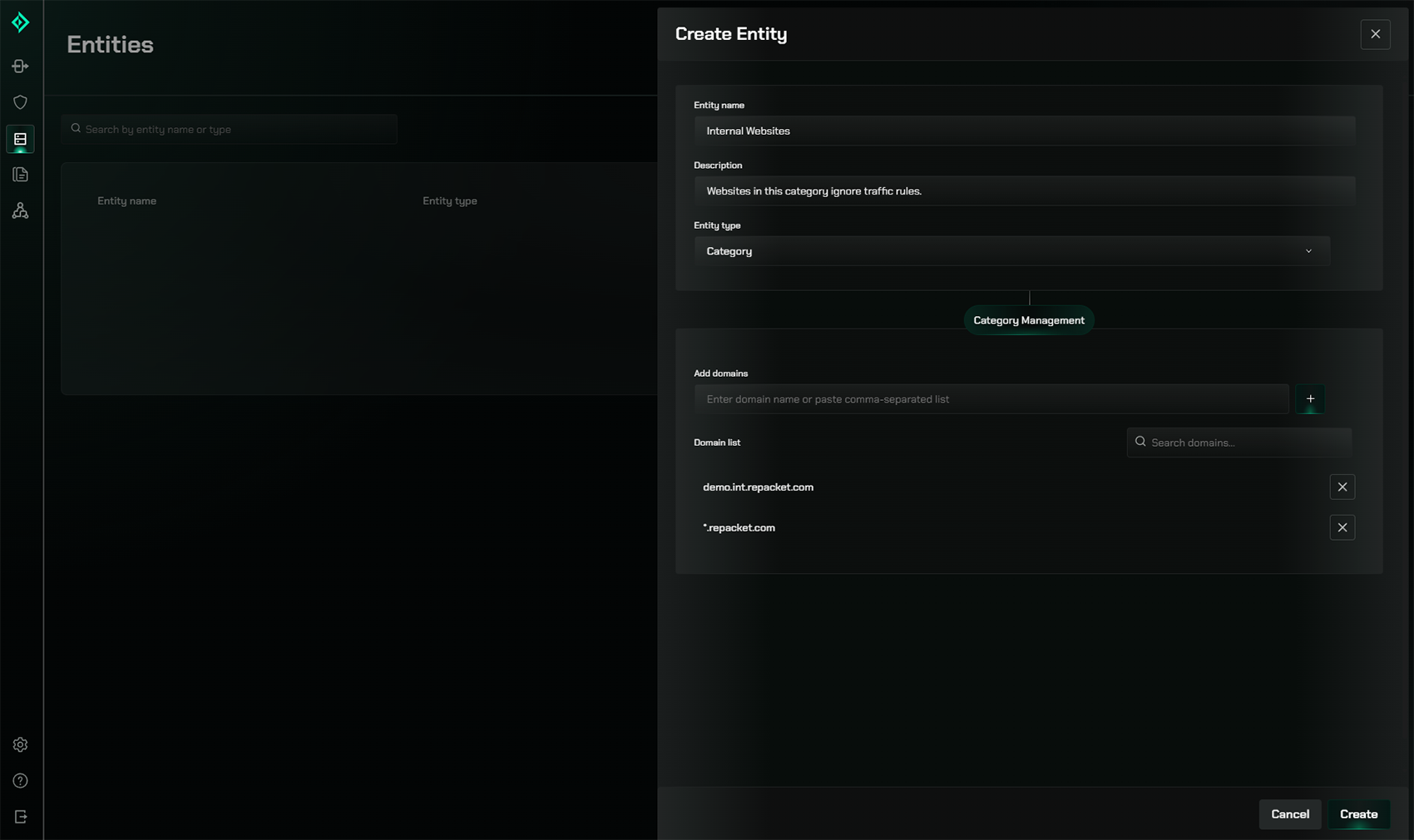
Entities are the traffic targets for configuration in Repacket. They let you define what properties we should match against to enforce your rules, including custom categories and IP ranges.
Creating Entities
To create a new entity, navigate to the Entities page in your Repacket dashboard and click the “Create” button.
Entity types
Today, Repacket allows you to configure custom categories and IP ranges.Categories
Categories represent a group of domains. These can include wildcards, and often should. Repacket ships with nearly 80 default categories.Show categories example
Show categories example